

The dial pad is on the right of every screen. Your business number sits above it, so you always know which number the customer will see.
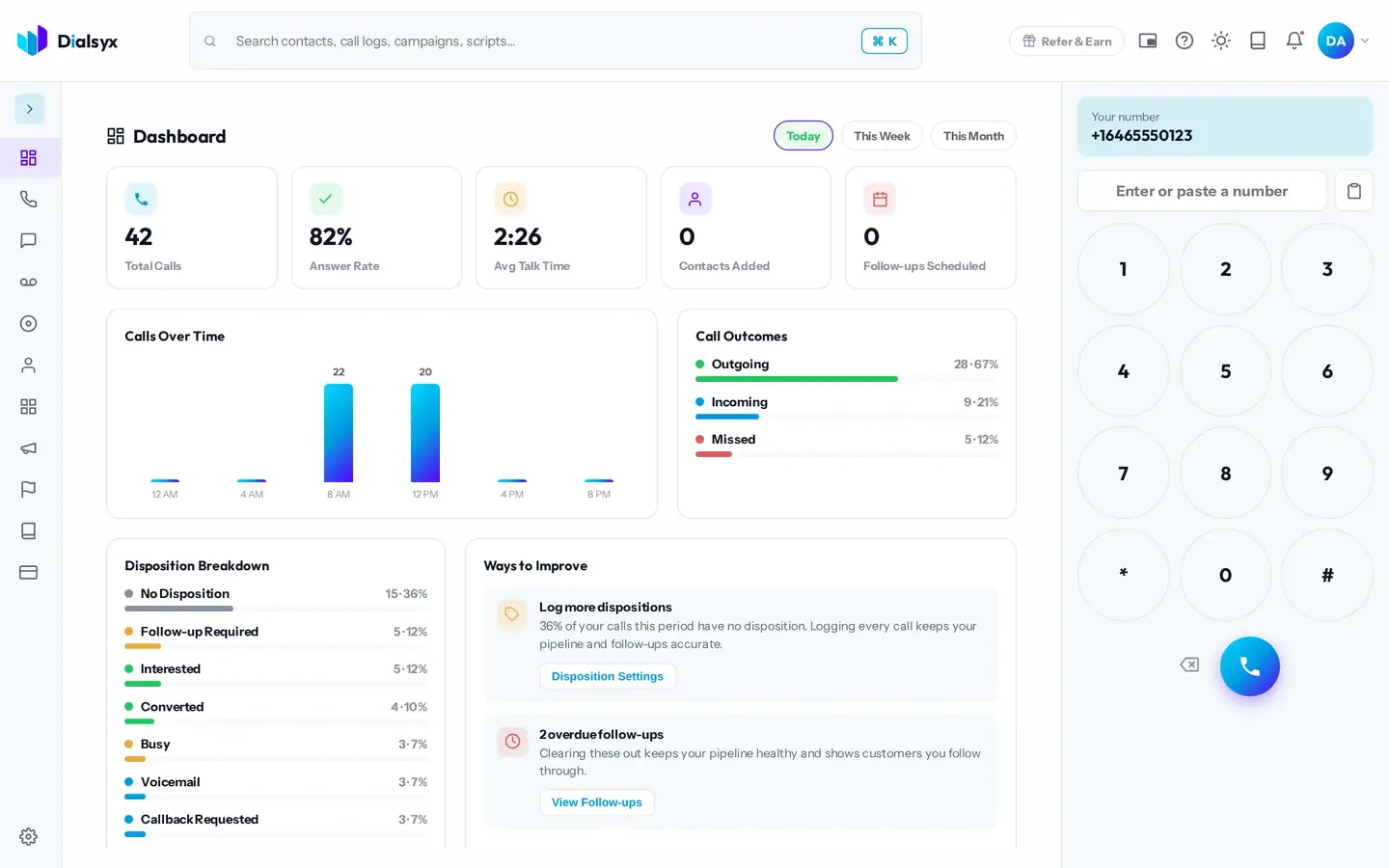
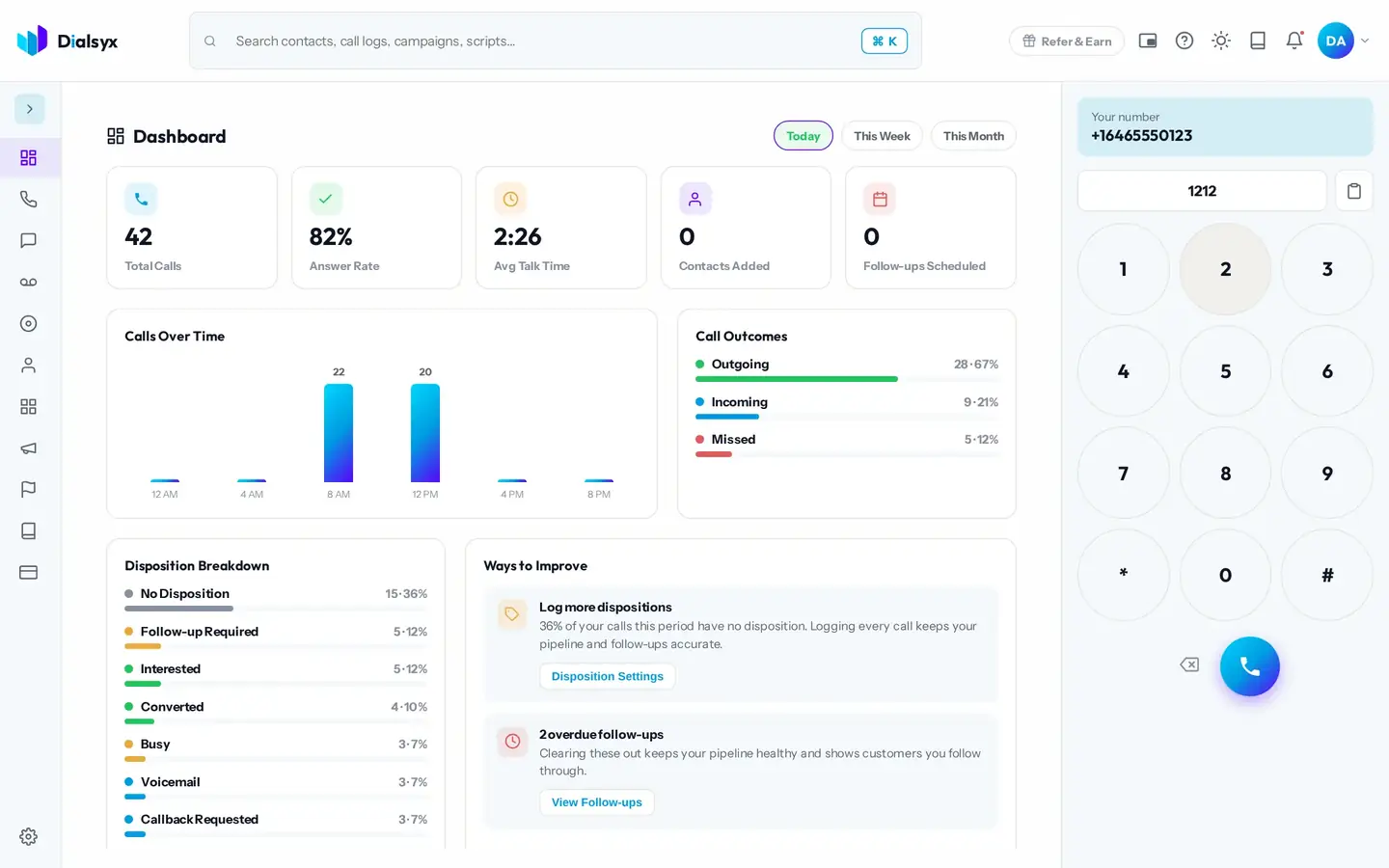
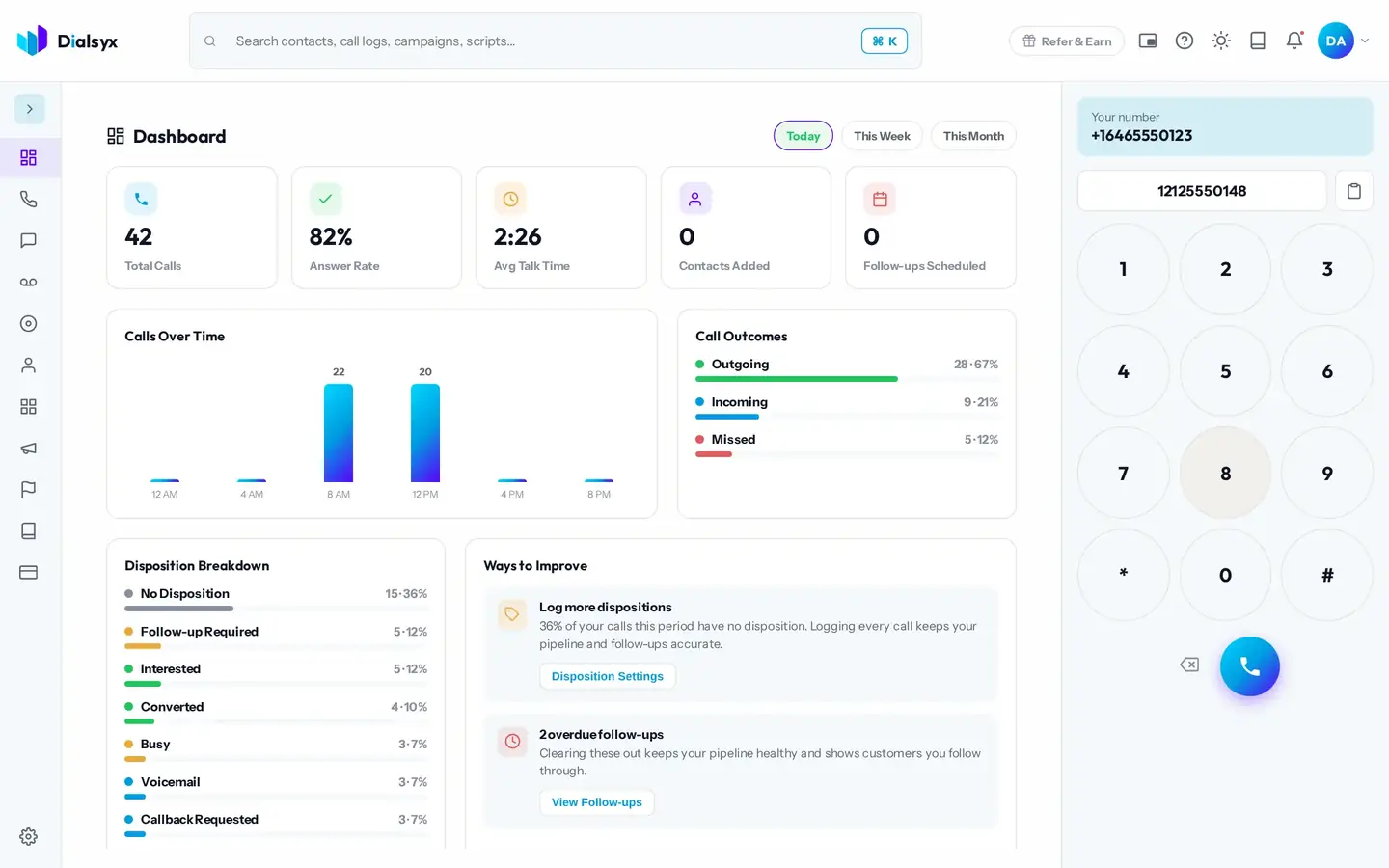
- Click the box and type or paste a number, or click the digits on the dial pad.
- Check the number. A saved contact shows their name as you type.
- Press the round call button.
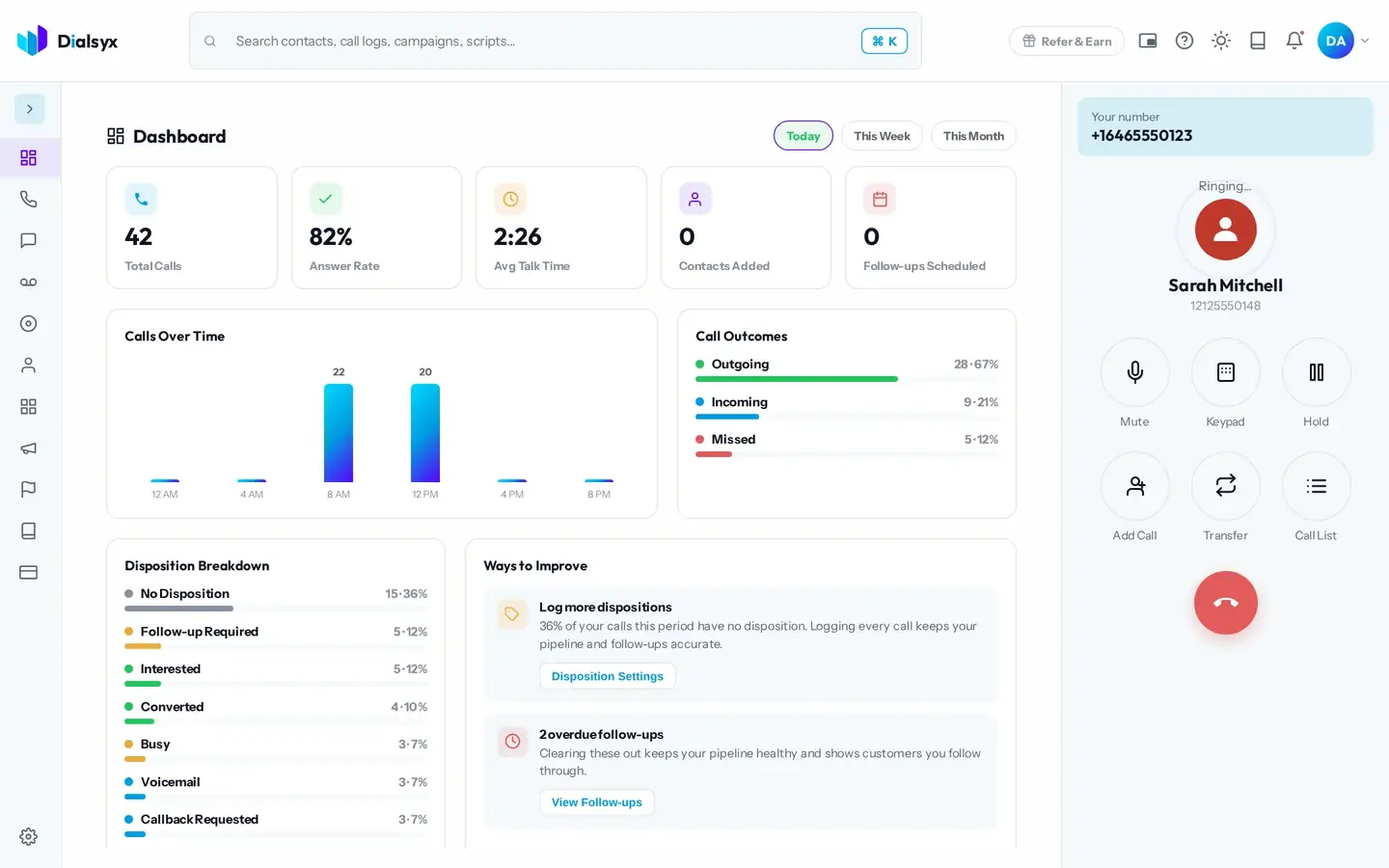
While it rings
Dialsyx shows the saved contact, so you see who you are calling. When they answer, the call timer starts and your audio runs in the browser.
Tip
You can call business numbers only. International numbers, emergency numbers and other short numbers are not supported.
Need help?Message us on WhatsApp, 8 AM to 5 PM New York time, or email support@dialsyx.com.