

Enquiries get lost
Messages on paper never reach the right person.
Answer calls with context, note what was asked and make sure every enquiry gets an answer.
What gets in the way for front desk.
Messages on paper never reach the right person.
The receptionist cannot tell new from regular customers.
Nobody can see how many people called.
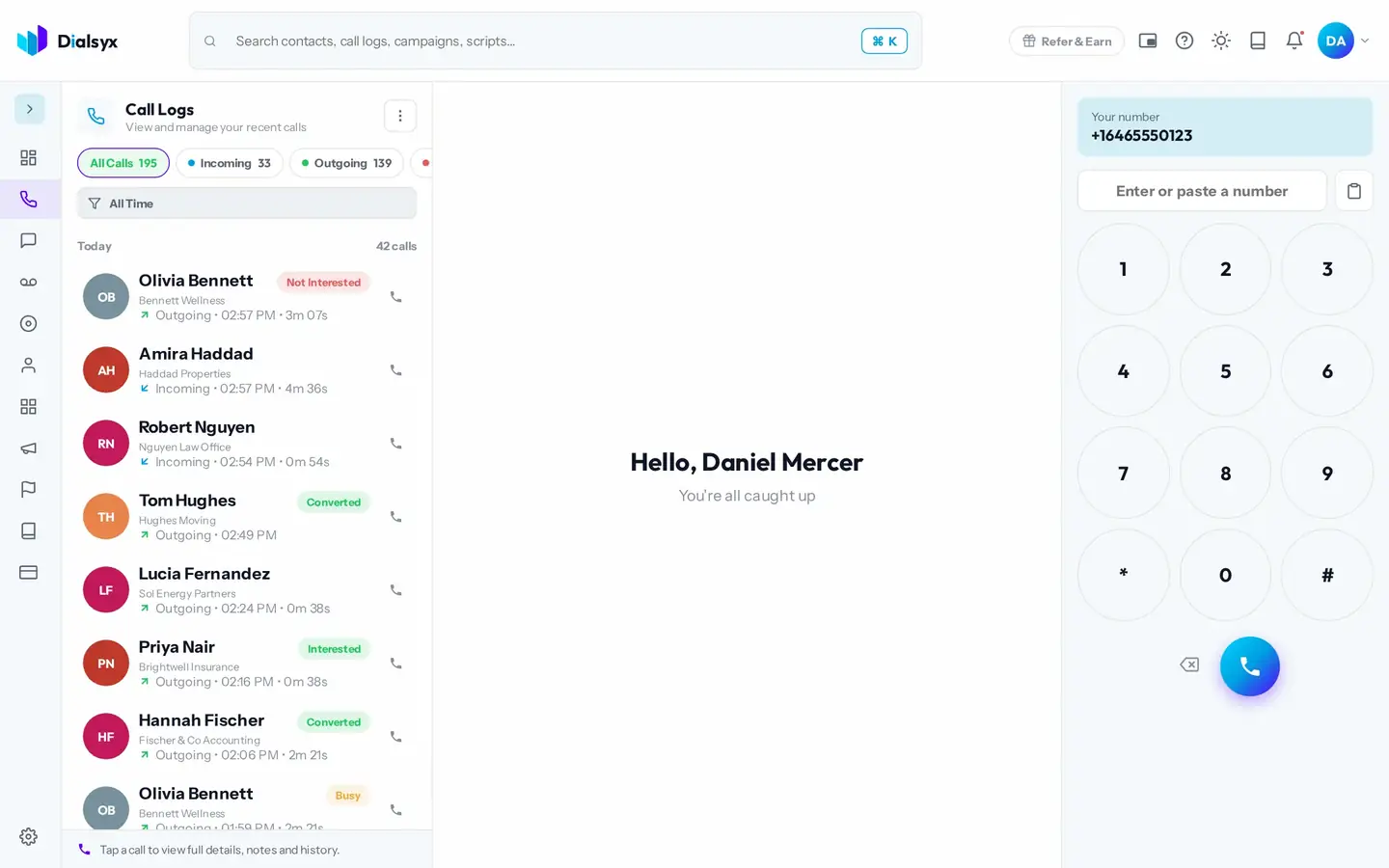
Real screens from the Dialsyx dialer.
See saved contacts and recent calls before you pick up.
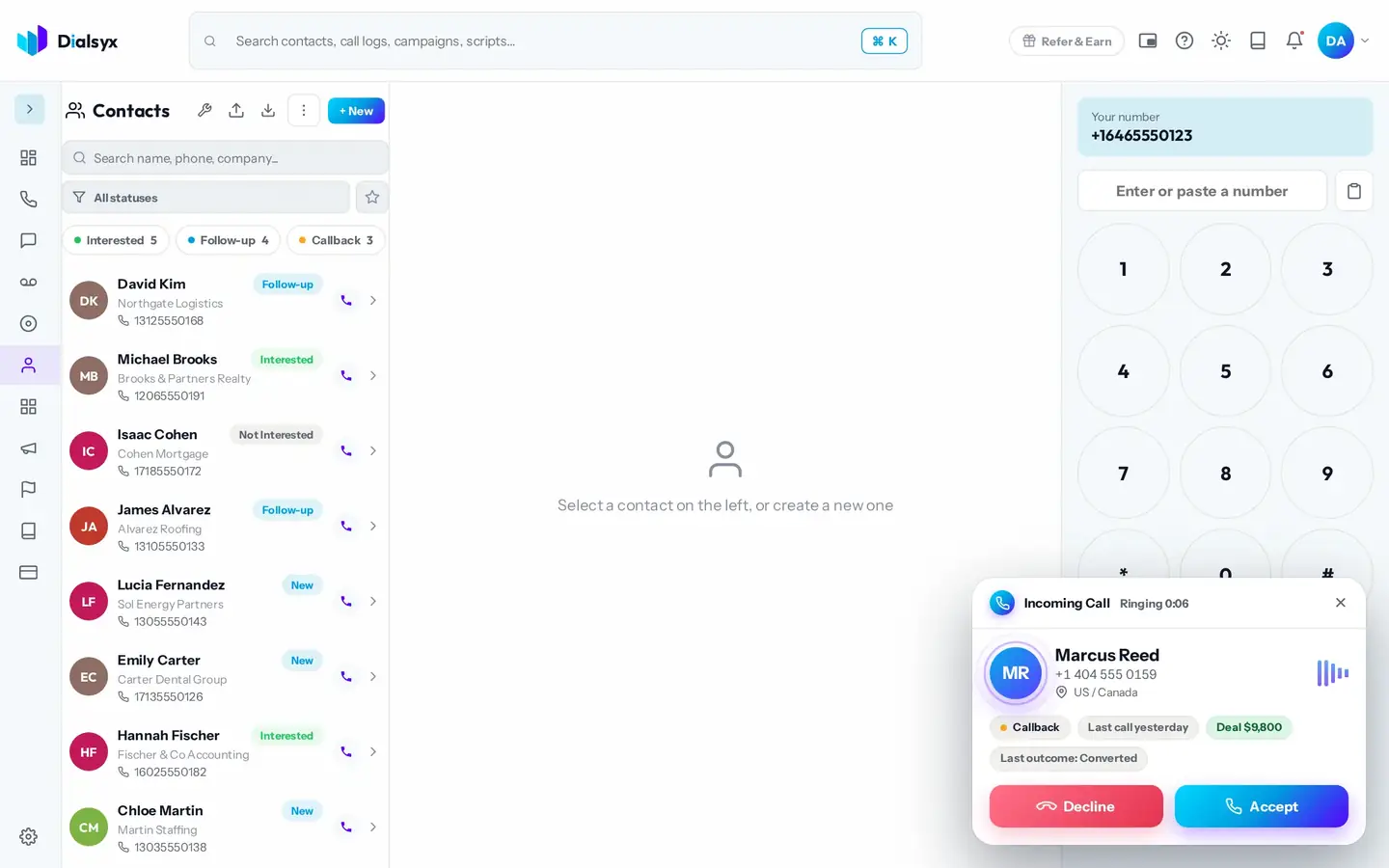
Add an unknown number as a contact straight from the call screen.
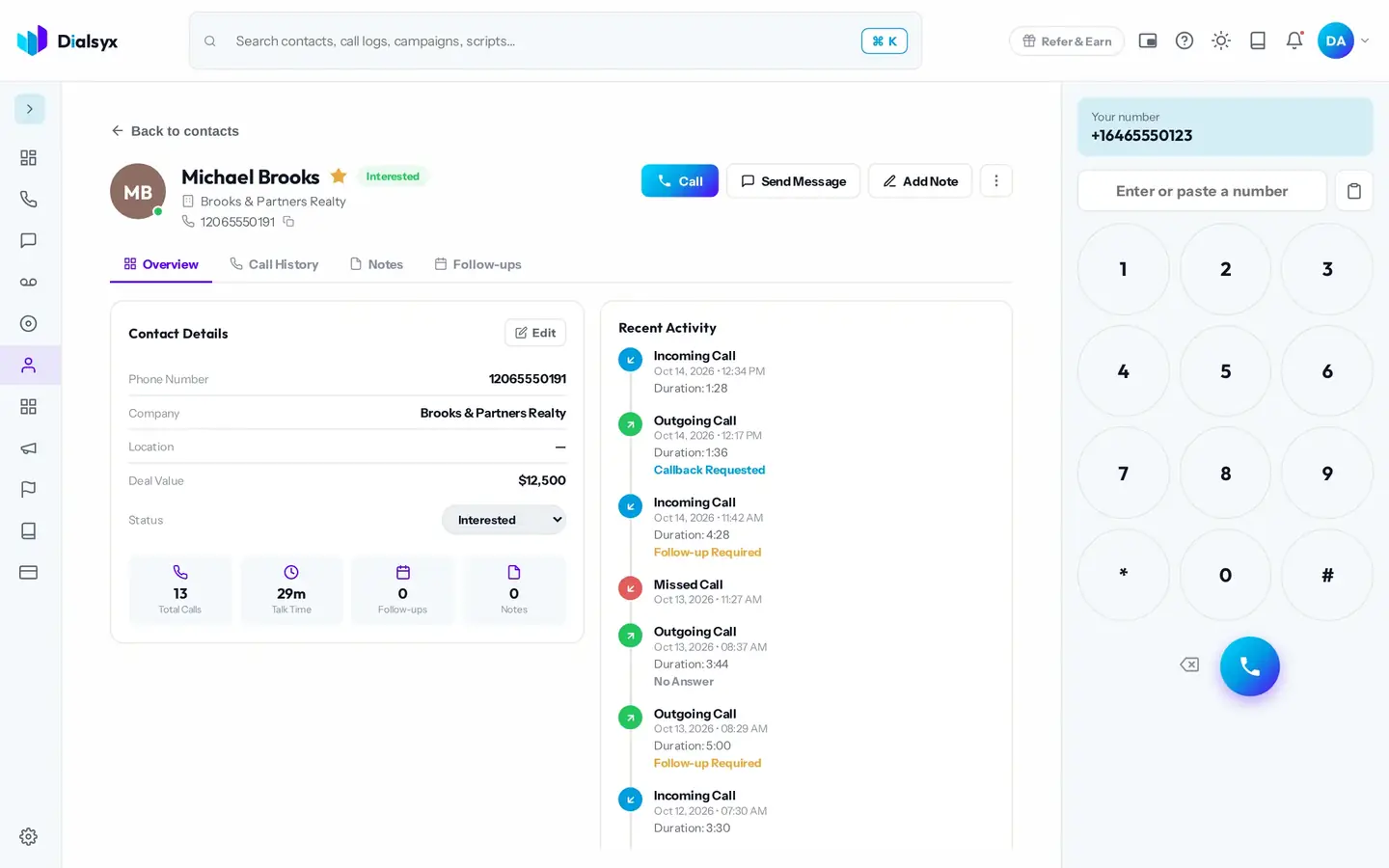
Missed, answered and returned calls are all on record.
After every call, tag how it went with one tap. Outcomes keep your pipeline and reports accurate.
An example, based on how teams like yours usually set up.
USA and Canada pricing for 1 or 2 users. Example in US dollars; other countries have their own prices. Add or remove users and add-ons any time.
Yes. Missed calls appear in the call log with their own icon so you can call them back.
Yes. An unknown number can be saved as a contact from the call screen or the call log.
No. Use a computer with Chrome or Edge. There are no desk phones, wiring or site visit.
Guides that go with this page.
 What is a business phone system? A plain guide for small teamsA business phone system gives your team shared numbers, call routing and records. Here is how modern cloud systems work and what to look for.2 min read
 A simple lead follow-up system in seven stepsMost leads are lost between the first call and the second. Use this seven-step system to follow up on time and keep every lead moving.2 min read
 Call scripts that work: five templates you can adaptA good call script is an outline, not a speech. Use these five templates for sales, follow-up, support and appointments, then make them your own.2 min read