

Your choice
Recording is off until you switch it on for a user.
Record calls, play them back and download them from one screen. Recording is an add-on at $5 per user a month.
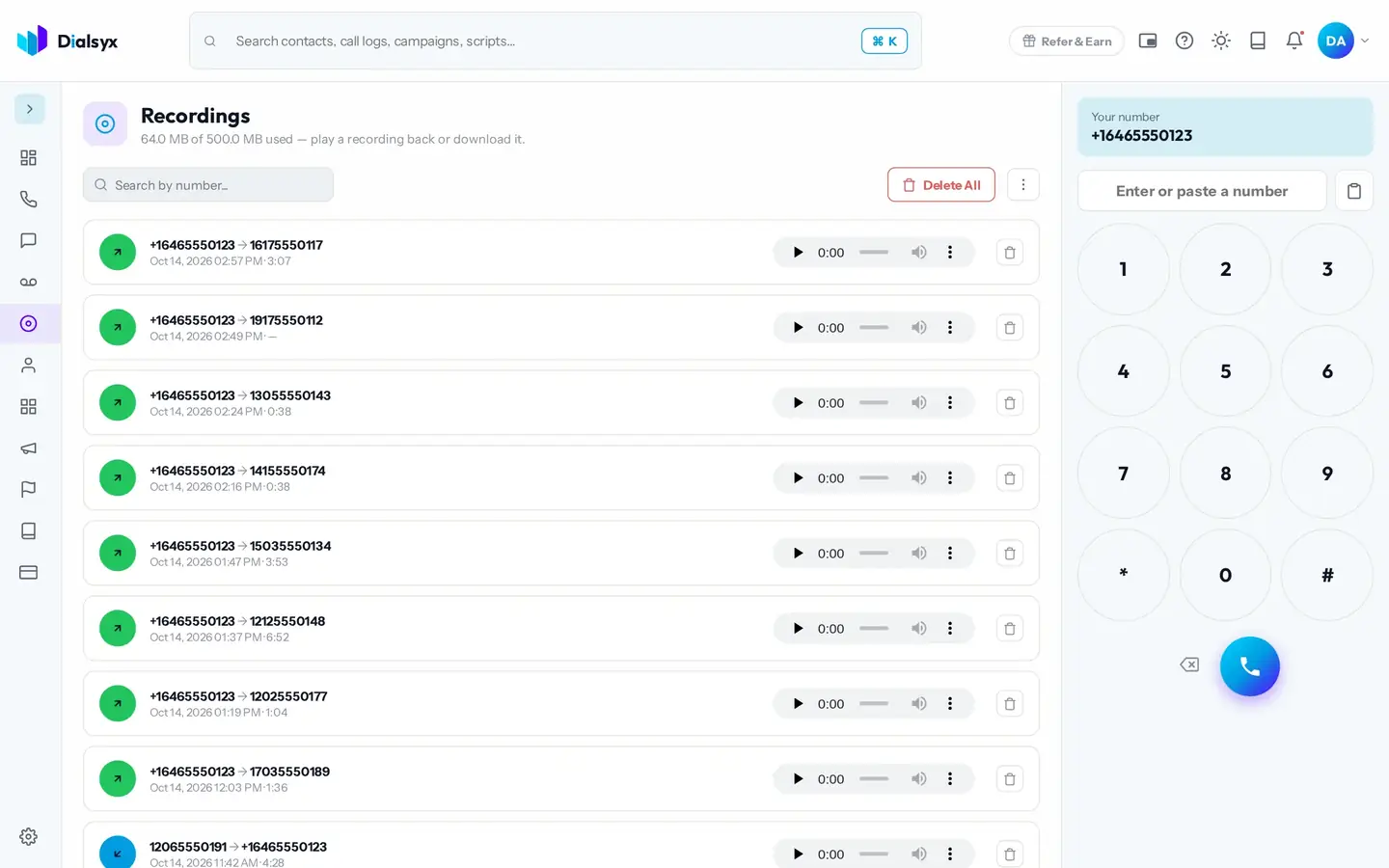
Recording is off until you switch it on for a user.
Play back, search and download from the Recordings screen.
Turn a recorded call into a summary, scorecard and transcript.
Real screens from the Dialsyx dialer.
All recorded calls are listed with the number, date and length.
Capture only the calls you choose.
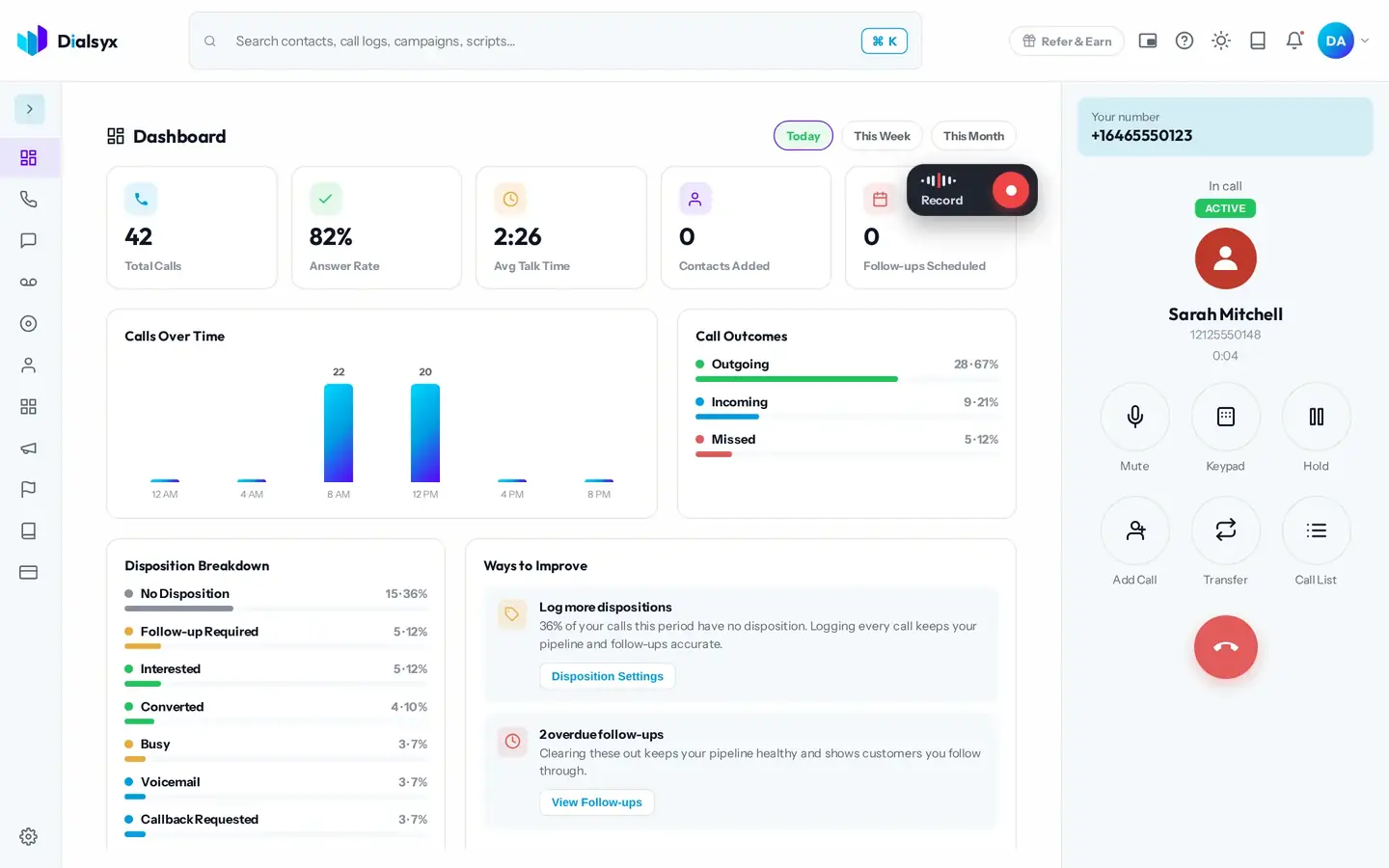
A meter shows how much space you have used.
Step-by-step instructions with screenshots.
Rules depend on your situation, so please check what applies to you. Our policy asks you to have a lawful reason, tell the other person at the start of the call and get consent where required.
Your recordings are kept until you delete them or the account closes, plus 30 days.
Yes. After approval you can take a trial of a couple of hours or a demo meeting, case by case.
Guides that go with this page.
 Call recording and consent: best practice for business teamsRecording calls helps with training and disputes, but consent rules differ by place. Learn a safe, simple routine your team can follow.2 min read
 AI call summaries and transcripts: how they work and why teams use themAI can turn a call into a transcript and a short summary. Learn how it works, where it helps teams and what to check for accuracy and privacy.2 min read
 Seven call metrics small teams should trackYou do not need a giant dashboard. These seven call numbers show whether your team is talking to the right people and following through.2 min read