

One user, one number
Every user has their own named number, so customers know who they are speaking to.
Local, toll-free and mobile numbers in the USA and Canada, local and mobile numbers in the UK, Australia and Japan, and a Global plan to call anywhere.
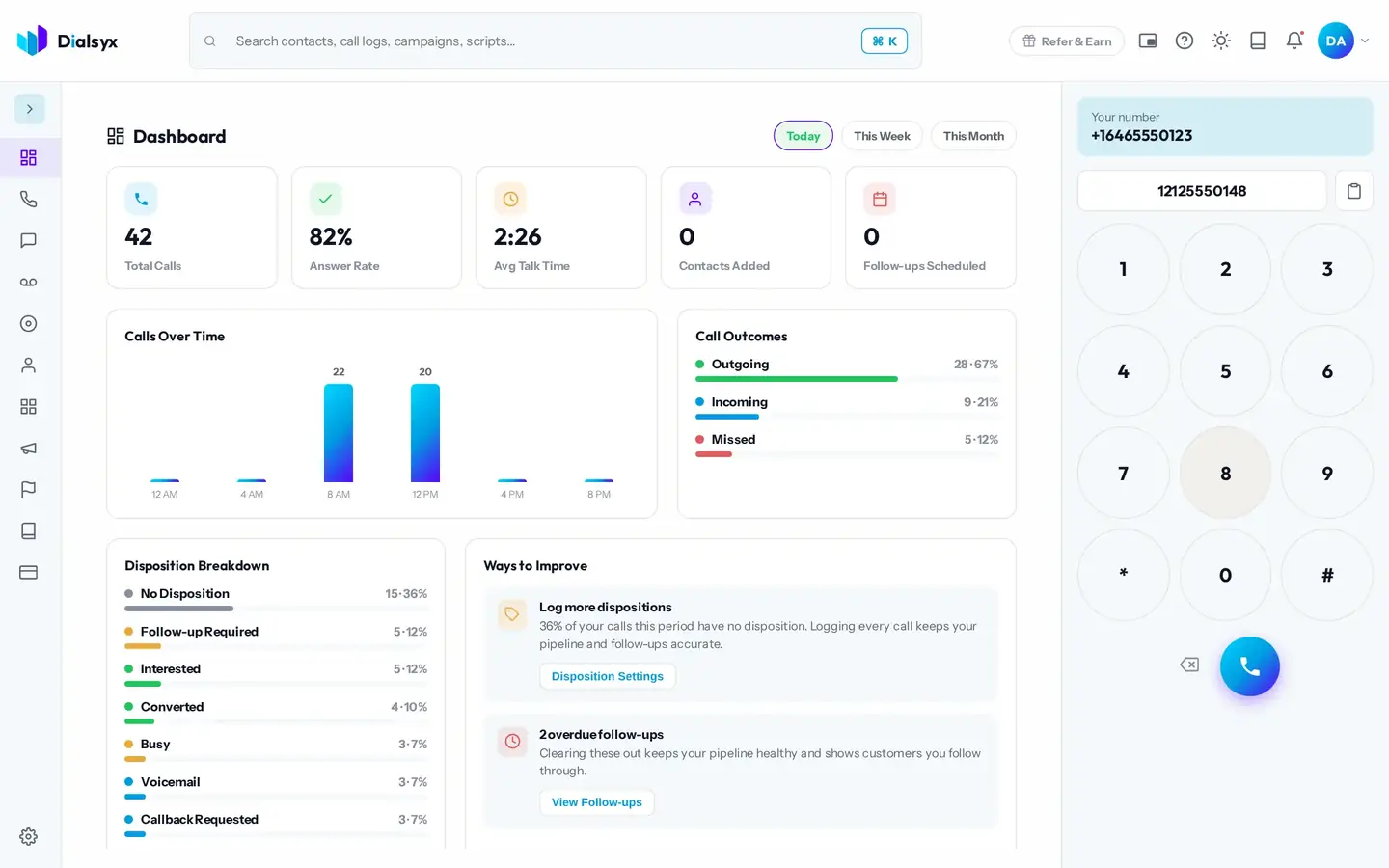
Every user has their own named number, so customers know who they are speaking to.
A local number looks familiar to customers in the USA, Canada, the UK, Australia and Japan.
Numbers are assigned when your account is approved.
Real screens from the Dialsyx dialer.
Your business number sits above the dial pad, so you always know what the customer sees.
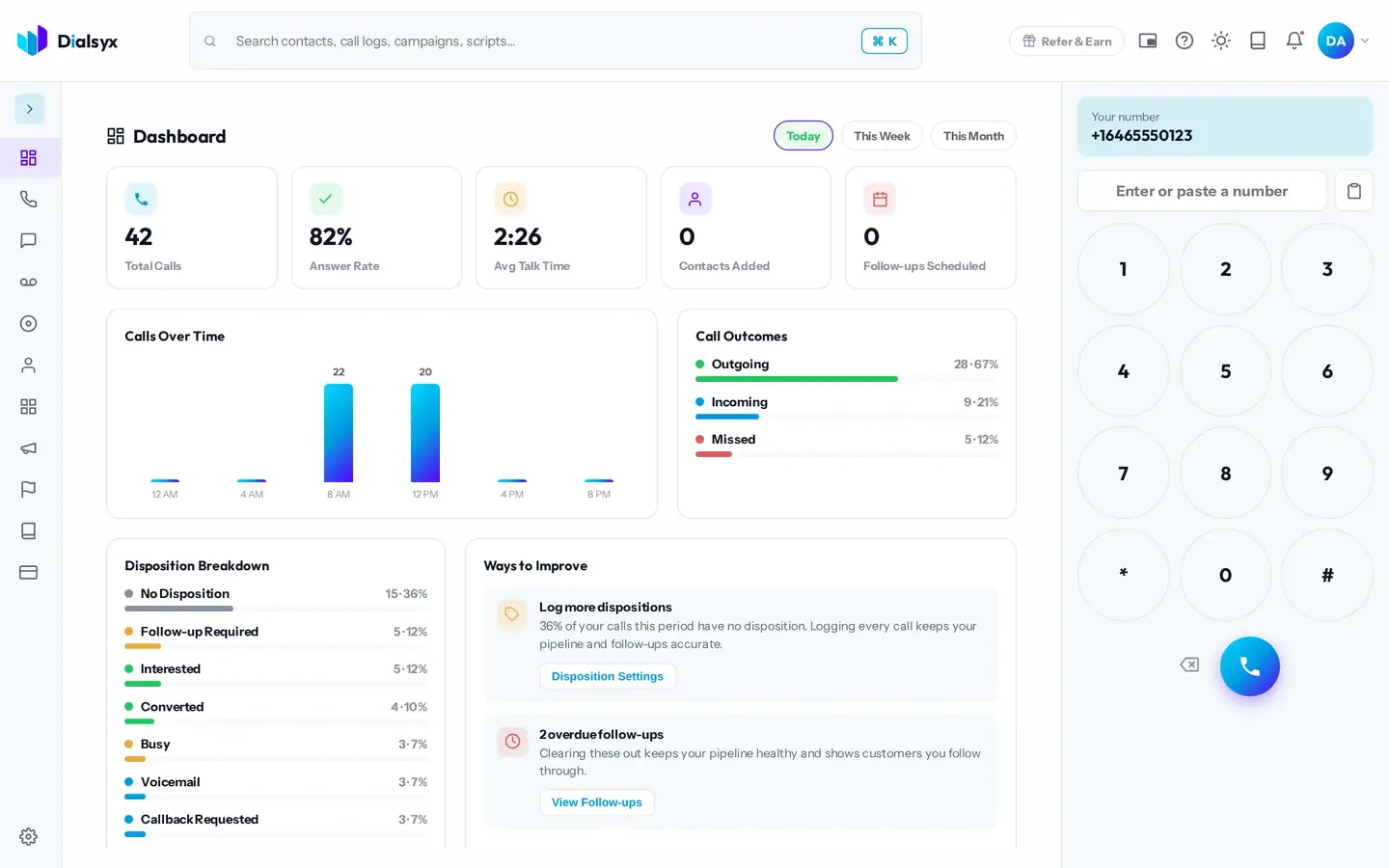
Your assigned number is shown to the person you call.
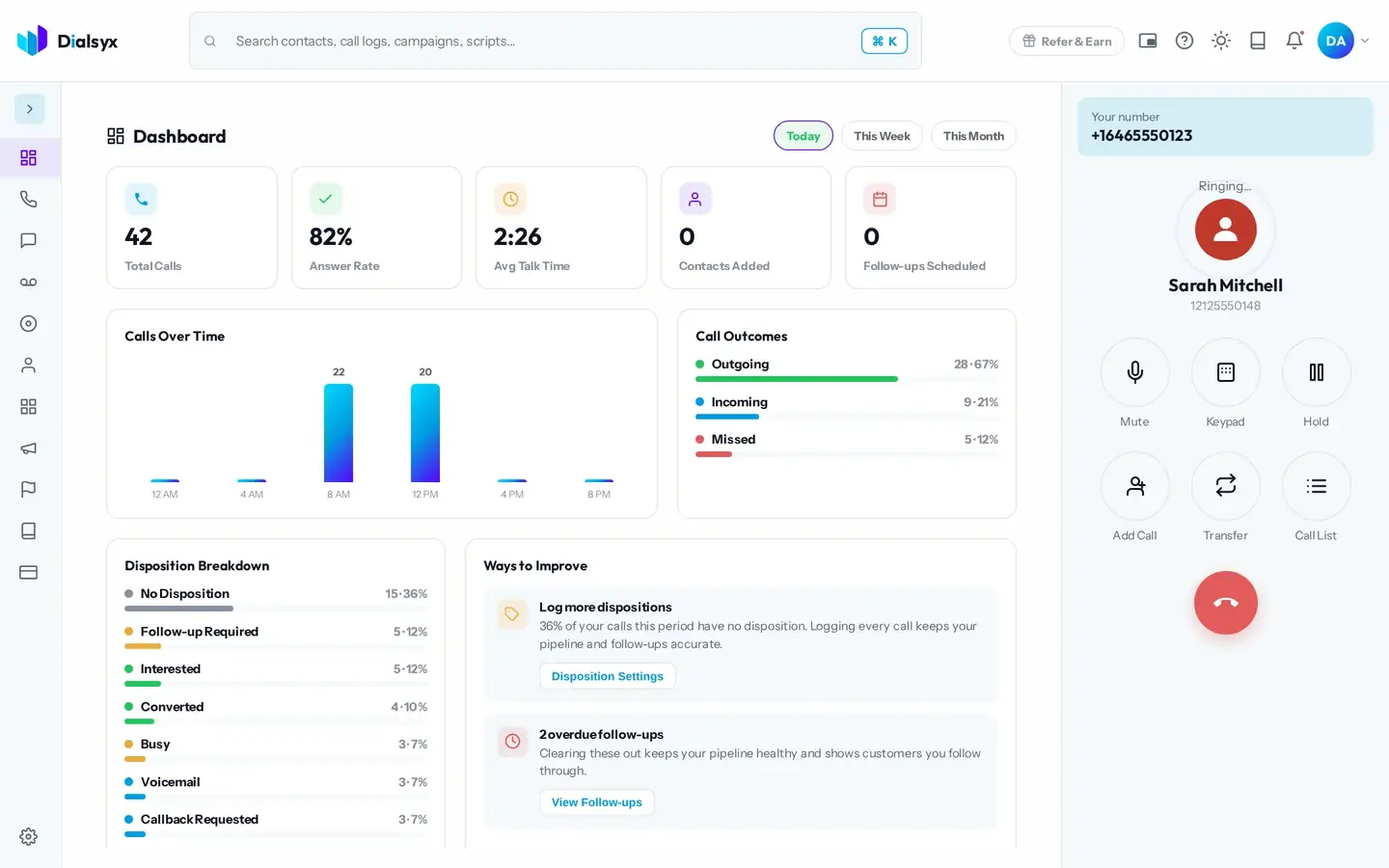
Customers call your number and the call rings in your browser.
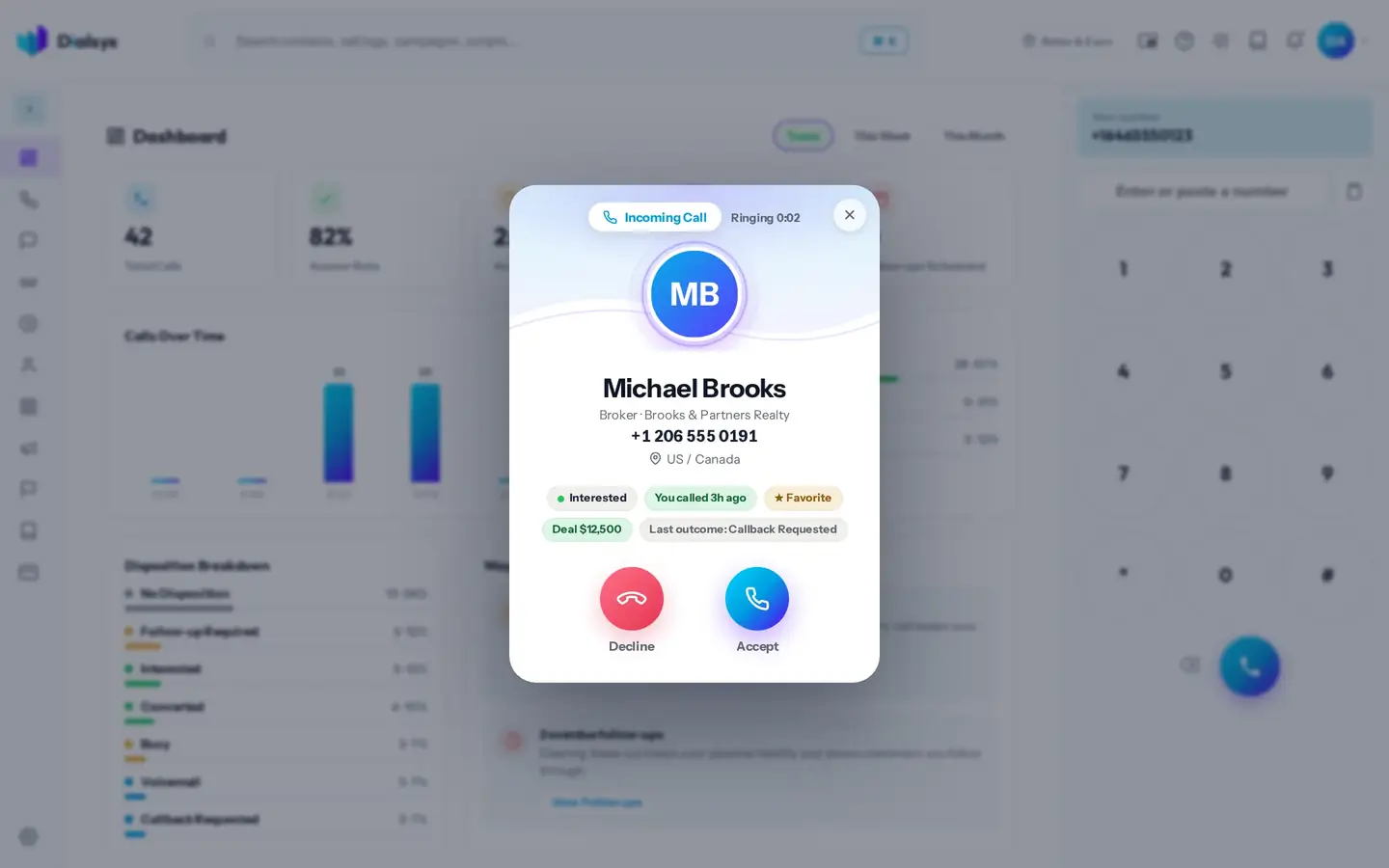
Step-by-step instructions with screenshots.
We assign numbers when your account is approved, based on availability. Tell us the area code or city you prefer and we will do our best.
The USA, Canada, the UK, Australia and Japan, plus the Global plan and UK to Europe calling. European numbers are available on request.
Yes. After approval you can take a trial of a couple of hours or a demo meeting, case by case.
Guides that go with this page.
 Virtual phone number for business: what it is and how it worksA virtual phone number lives in the cloud, not on a SIM or a landline. Learn how it works, the types, the benefits and when a business should use one.2 min read
 How to port your business number to VoIP without losing callsMoving your existing number to a new provider is called porting. Here is a safe step-by-step plan so you do not lose calls or customers.3 min read
 How to get a business phone number in 5 steps (2026 guide)Want a separate business number? Learn the five steps to get one, the types to choose from, what it costs and how to start calling the same day.3 min read