

When someone calls your business number, Dialsyx shows who it is. Saved contacts appear with their name, tags, deal value and last outcome.
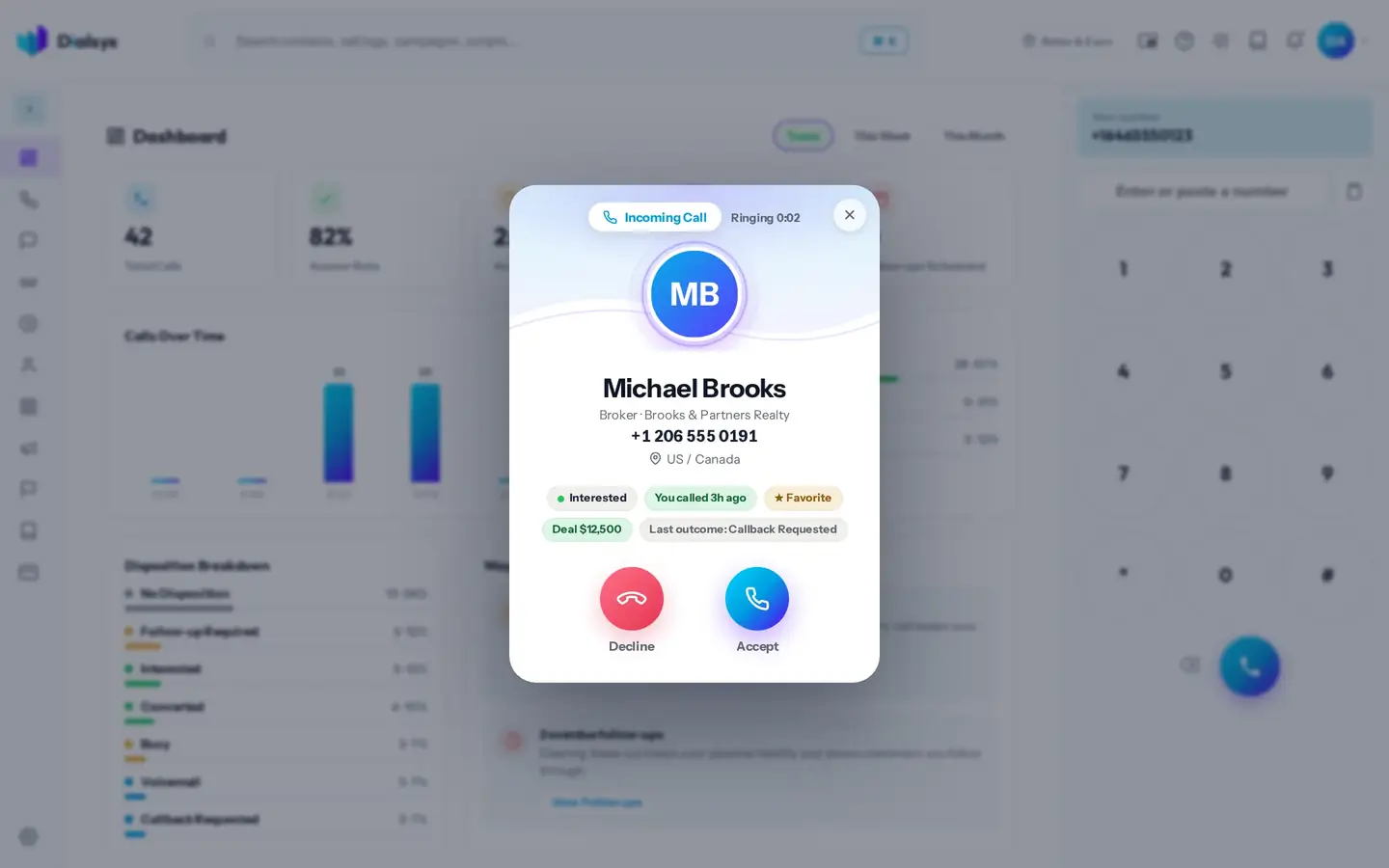
- Read the details on the incoming call card.
- Press Accept to answer, or Decline to reject the call.
- Talk, then tag the outcome when the call ends.
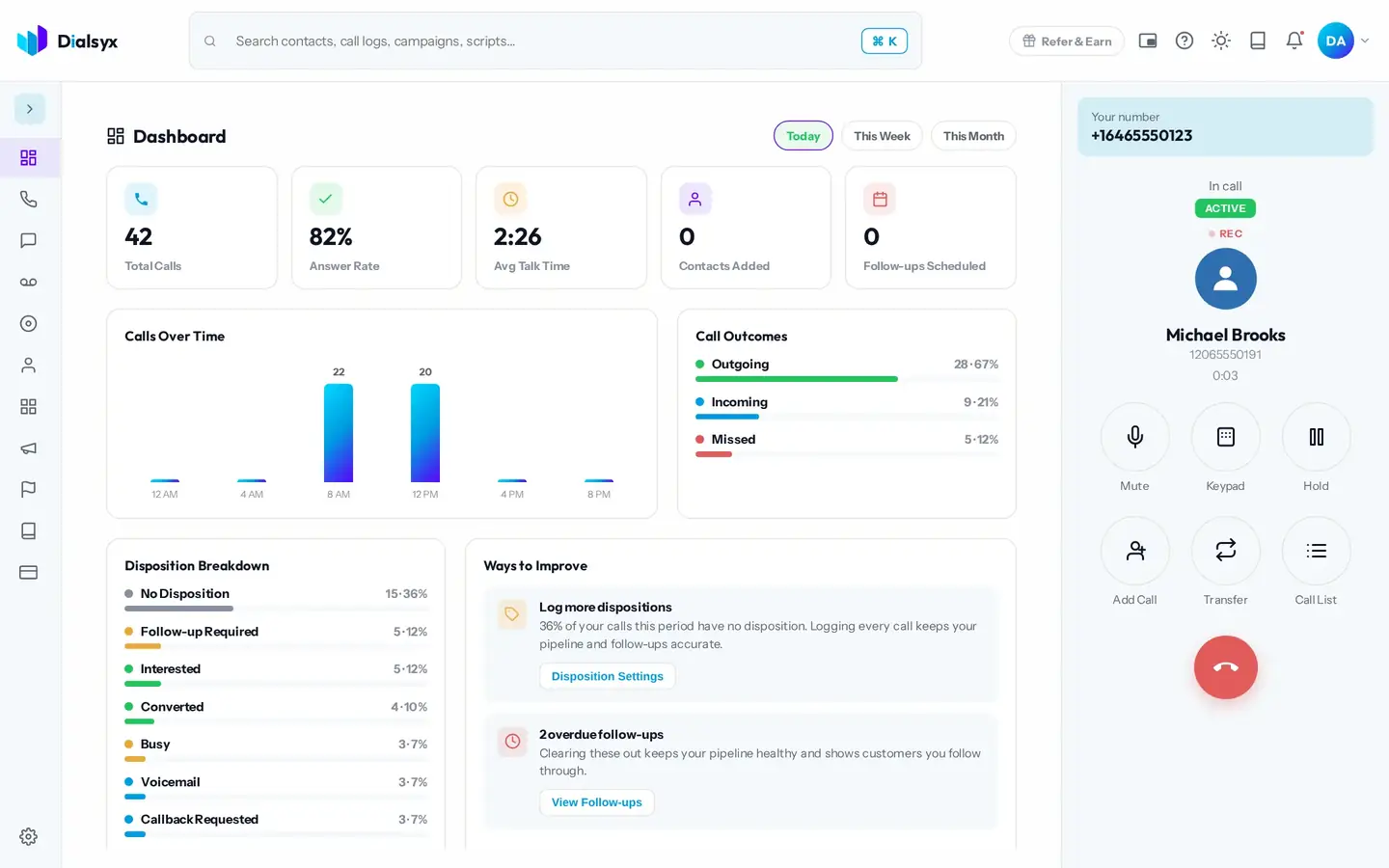
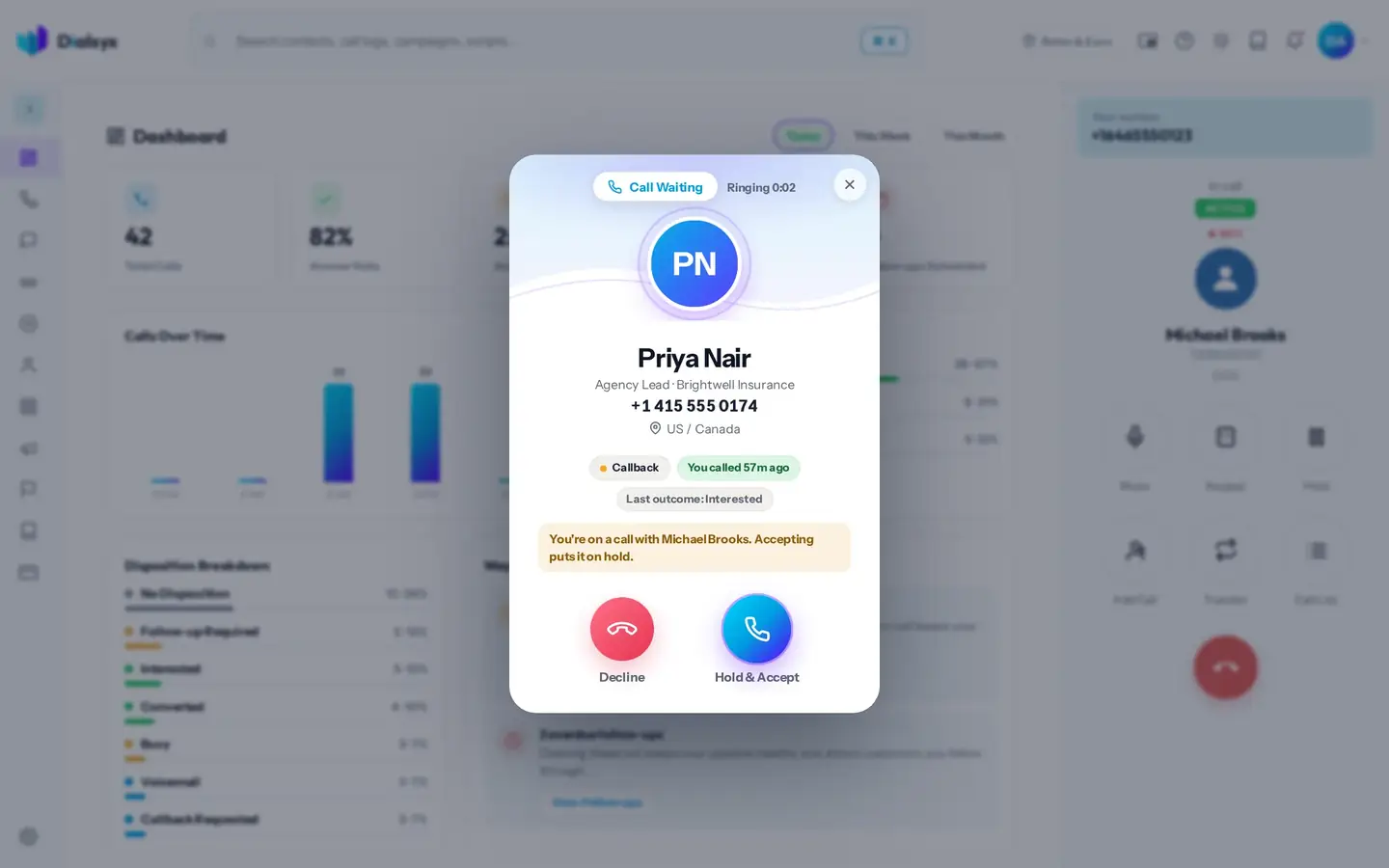
A second call during a call
If someone else calls while you are on a call, you can hold and accept, so the first call is never dropped.
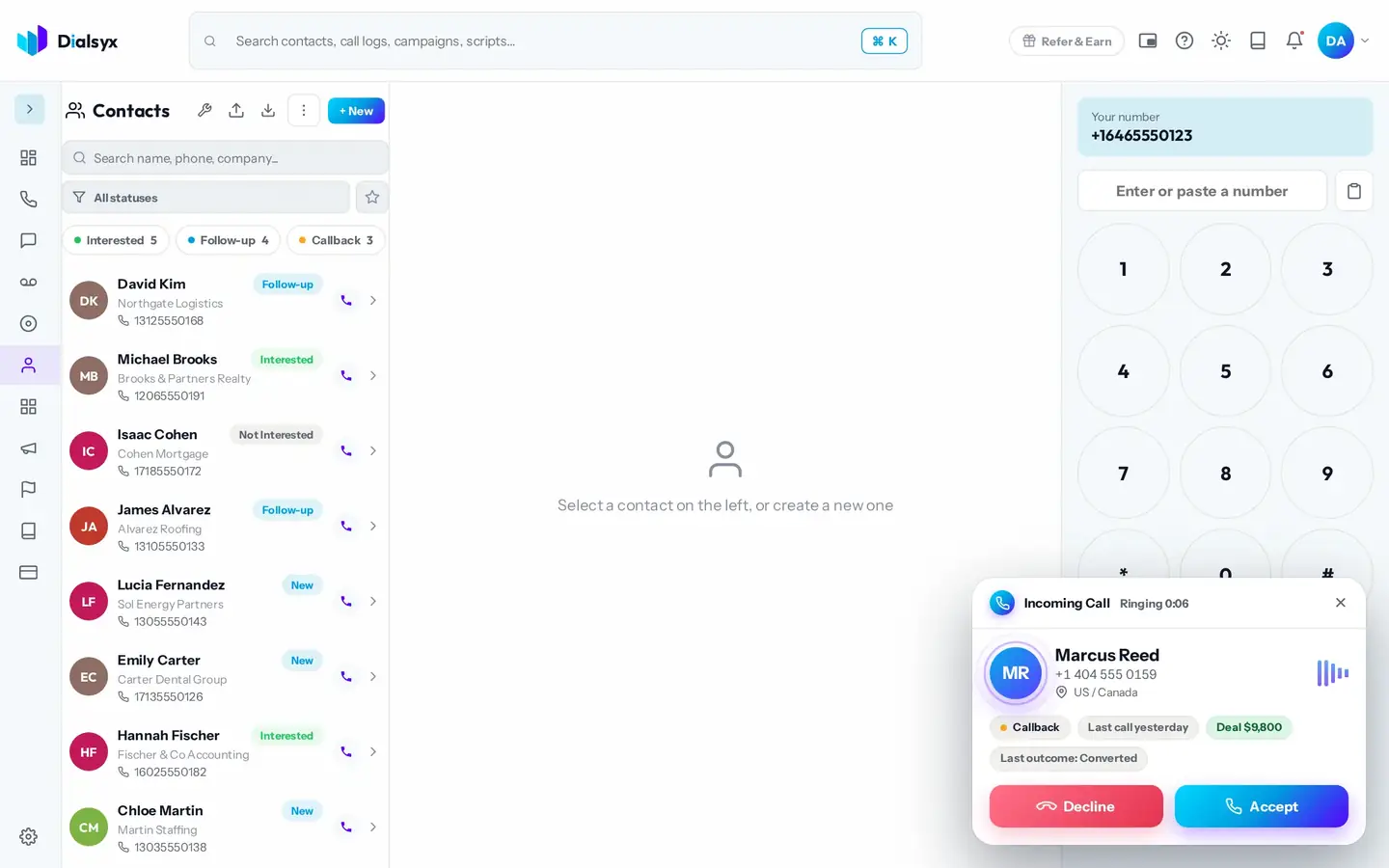
Keep the call small
Minimise the incoming call to a small card and keep working while you talk.
Tip
Turn on notifications in Settings so incoming and missed calls reach you even when the tab is in the background.
Need help?Message us on WhatsApp, 8 AM to 5 PM New York time, or email support@dialsyx.com.