

Follow-ups is your callback queue. Each item has a date, a time and a reason, and the list is ordered by time, so you always know who to call next.
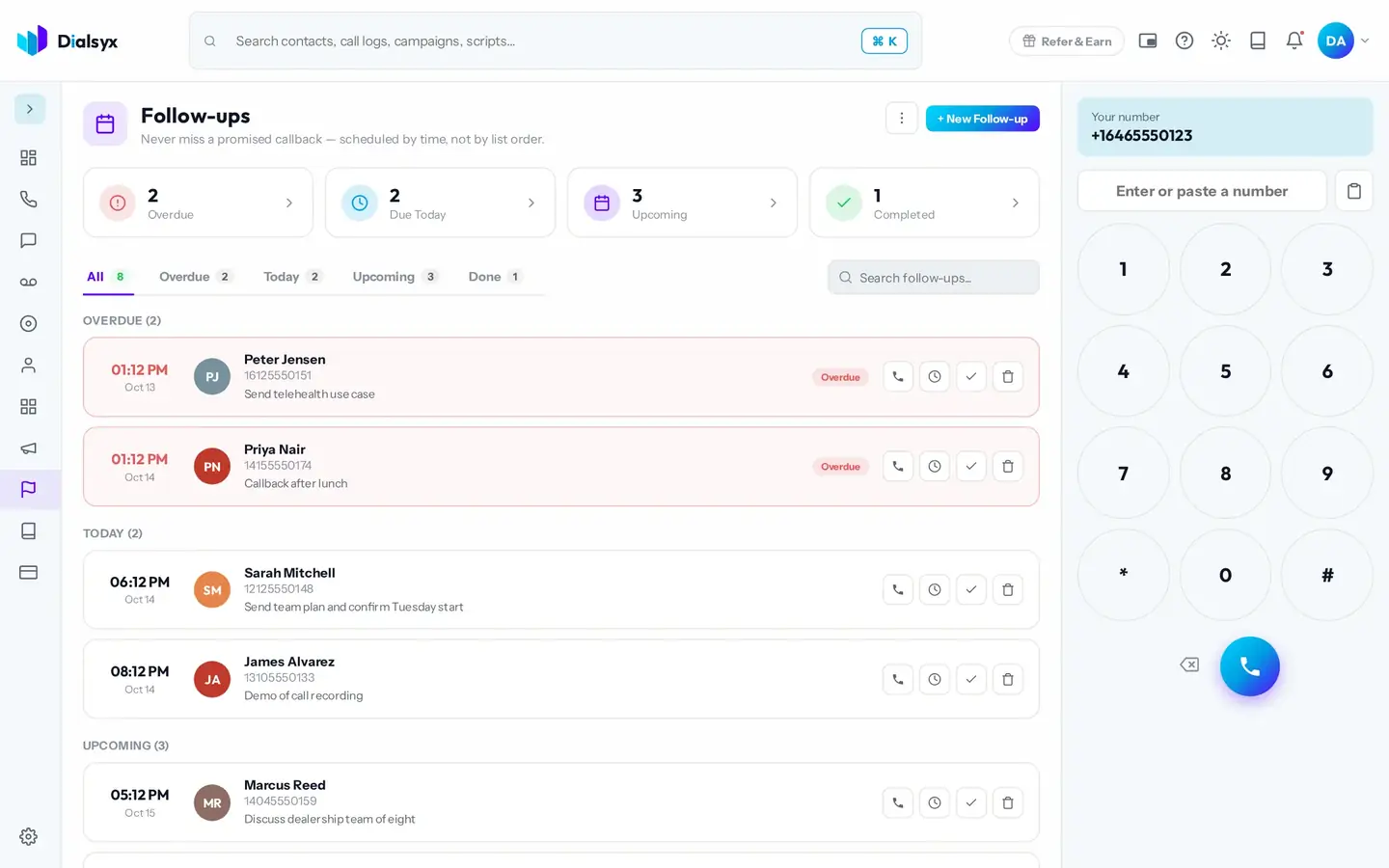
- Overdue, Due Today, Upcoming and Completed counters sit at the top.
- Use the tabs to switch between All, Overdue, Today, Upcoming and Done.
- Call, complete or delete a follow-up from its row.
Add a follow-up
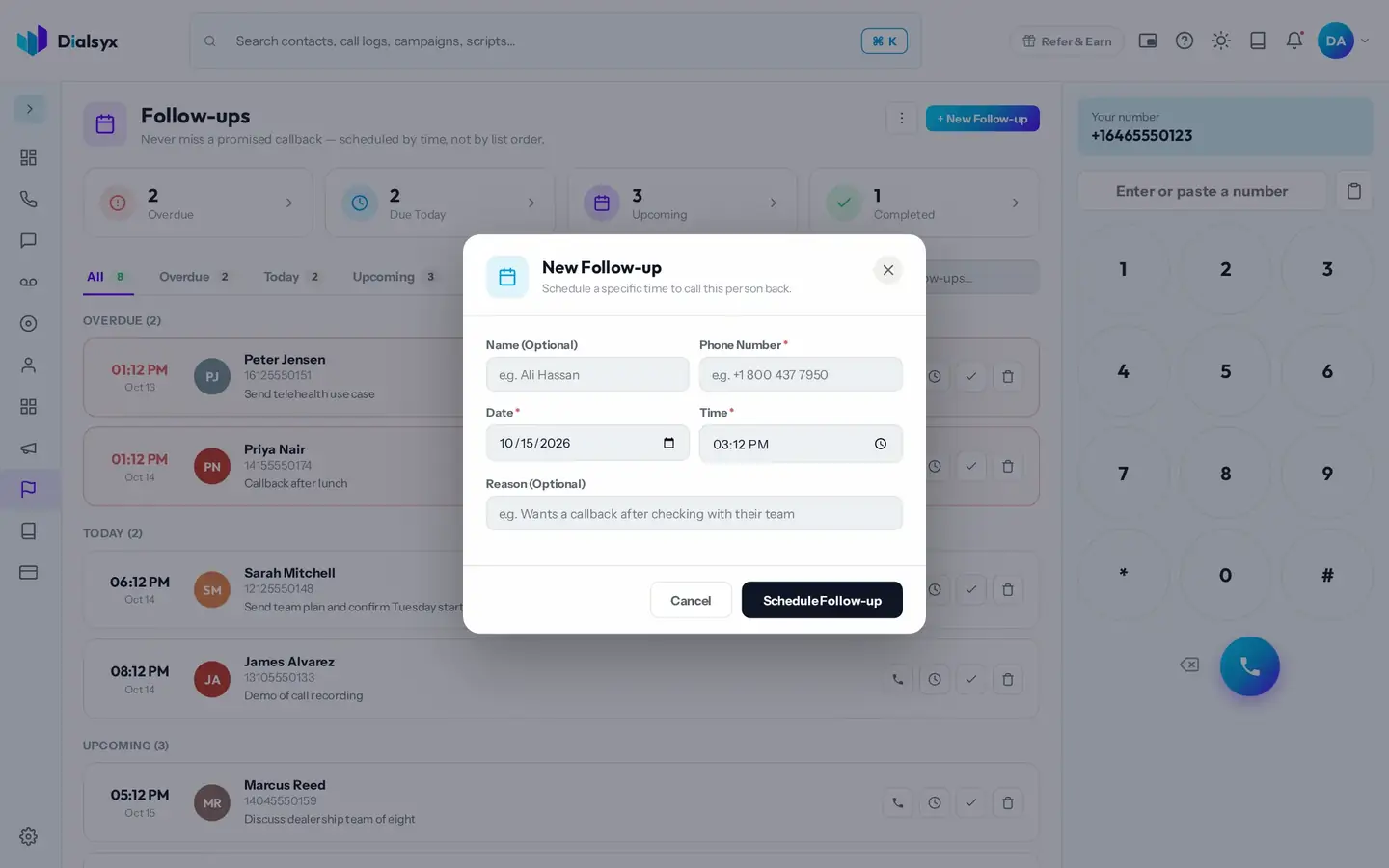
- Press New Follow-up, or choose Schedule Follow-up on a call or contact.
- Pick the contact, the date and time, and a reason.
- Save. It appears in the queue at the right time.
Need help?Message us on WhatsApp, 8 AM to 5 PM New York time, or email support@dialsyx.com.